Open optical path
No clear cover means fewer reflections and no extra optical layer.
Recipti ScanPad
Turn a sheet of matte black board into a simple scanning guide for clearer, more consistent receipt captures.
Free · Letter size · Print at 100%
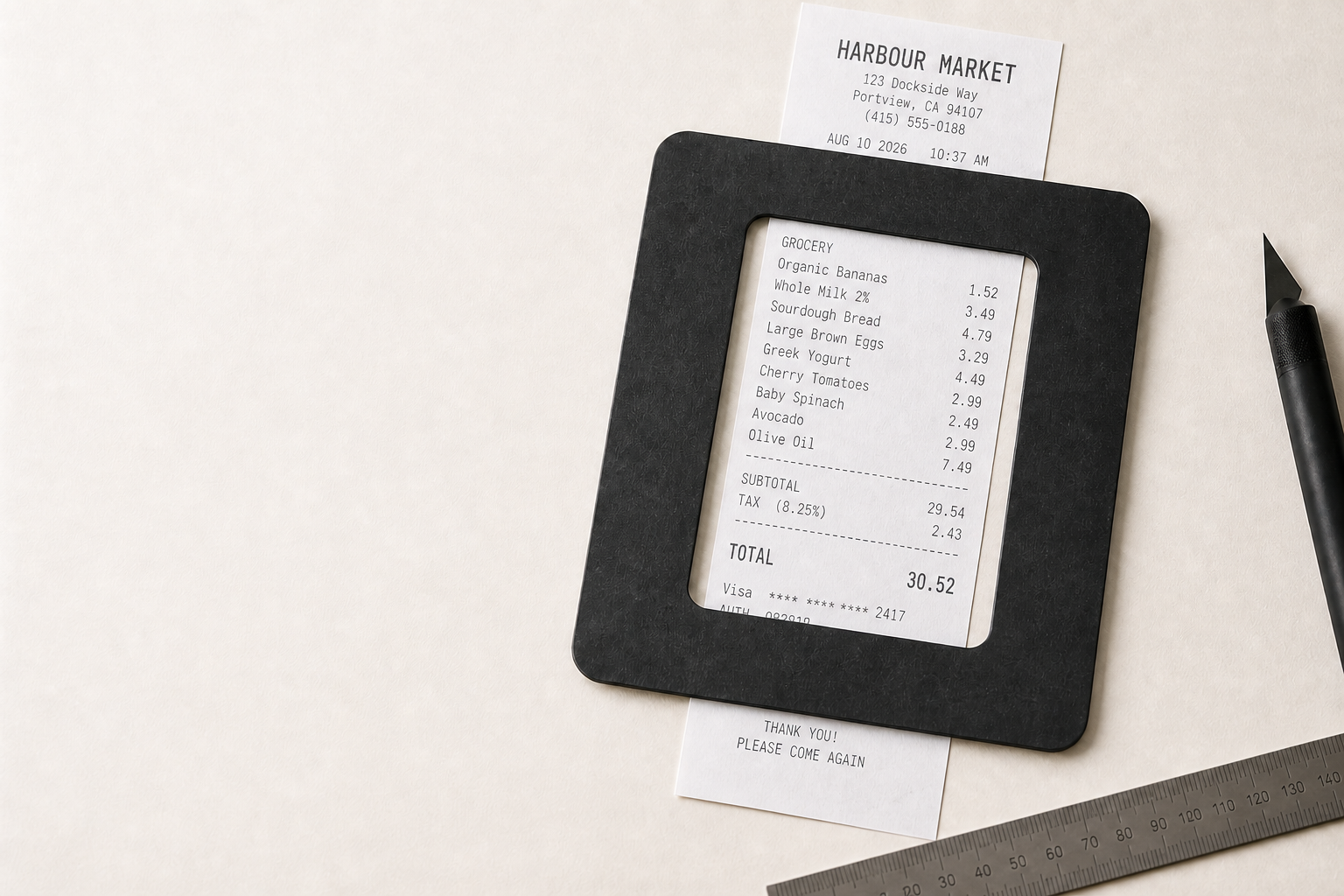
Why ScanPad
The scan window stays physically open. That simple choice keeps the optical path clear, the receipt edges distinct, and each capture consistently framed.
No clear cover means fewer reflections and no extra optical layer.
The dark surround makes light receipt edges easier to identify.
A fixed scan area helps Recipti capture long receipts in predictable sections.
Four simple steps
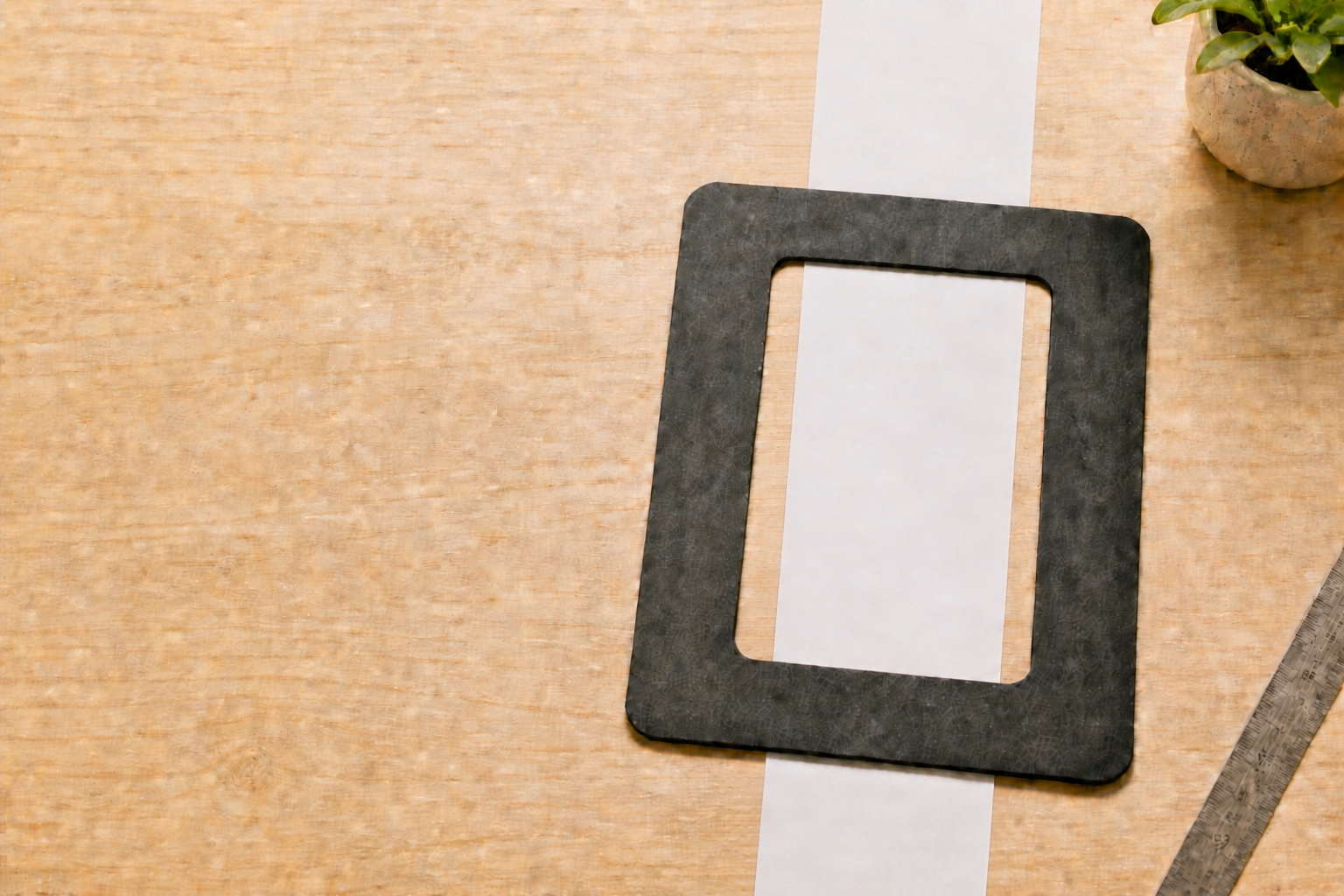
Print the template at 100% / Actual Size.
Attach it to matte black illustration board or heavy cardstock.
Cut out the marked 90 × 105 mm open scan window.
Place the receipt behind the frame and scan.
Long receipts
Move the receipt down between captures while keeping part of the previous section visible. Recipti can use the overlap to support a more consistent segmented scanning workflow.
Keep 25–35% overlap
Leave part of the previous section visible in each capture.
Free download
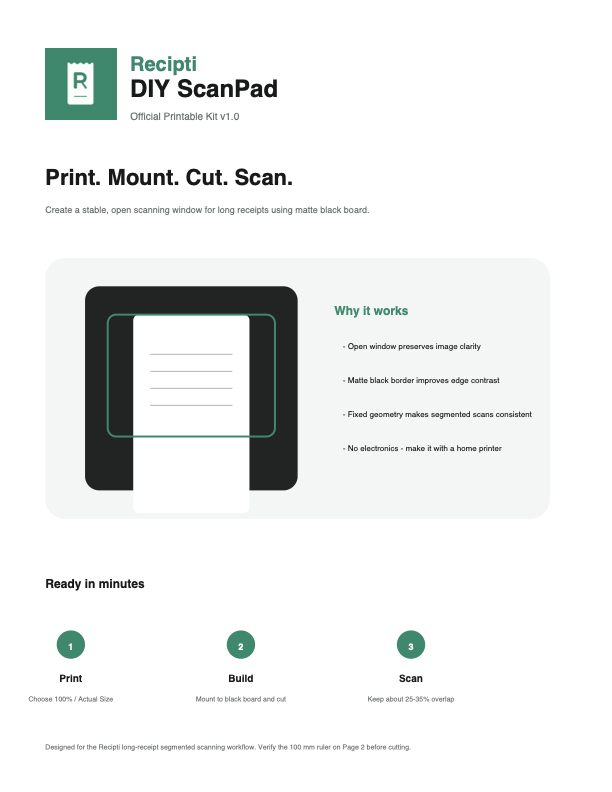
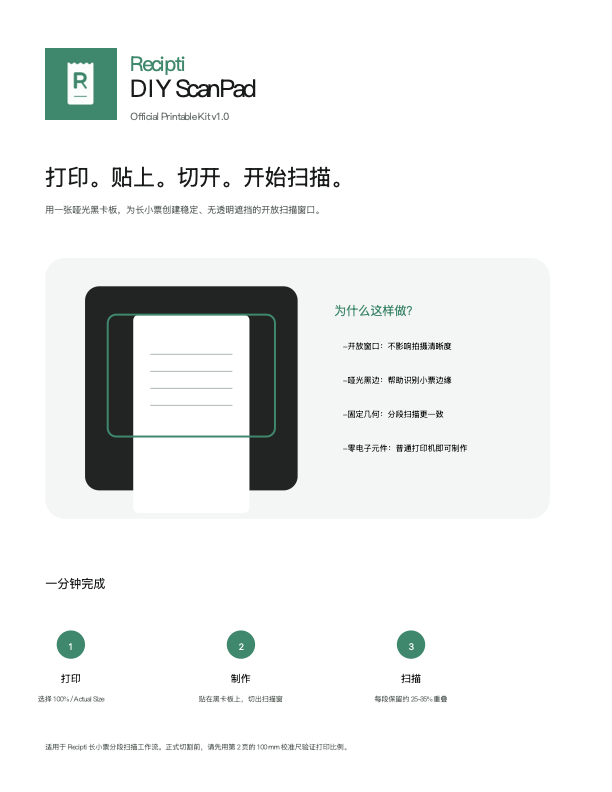
The official kit includes the exact 1:1 cutting template, receipt-width guides, and a calibration ruler.
Before you cut
Do not use Fit to Page, Scale to Fit, or Shrink oversized pages.
After printing, measure the calibration ruler. It must measure exactly 100 mm before cutting the board.
Materials
Design story
Receipt scanning has a surprisingly physical side. Curled thermal paper, long receipts, and reflective surfaces can all make capture harder.
Instead of adding more hardware, ScanPad removes things: no electronics, no transparent cover, no proprietary accessories. Just a stable matte surface and an open window.